SOLDER
A downloadable game
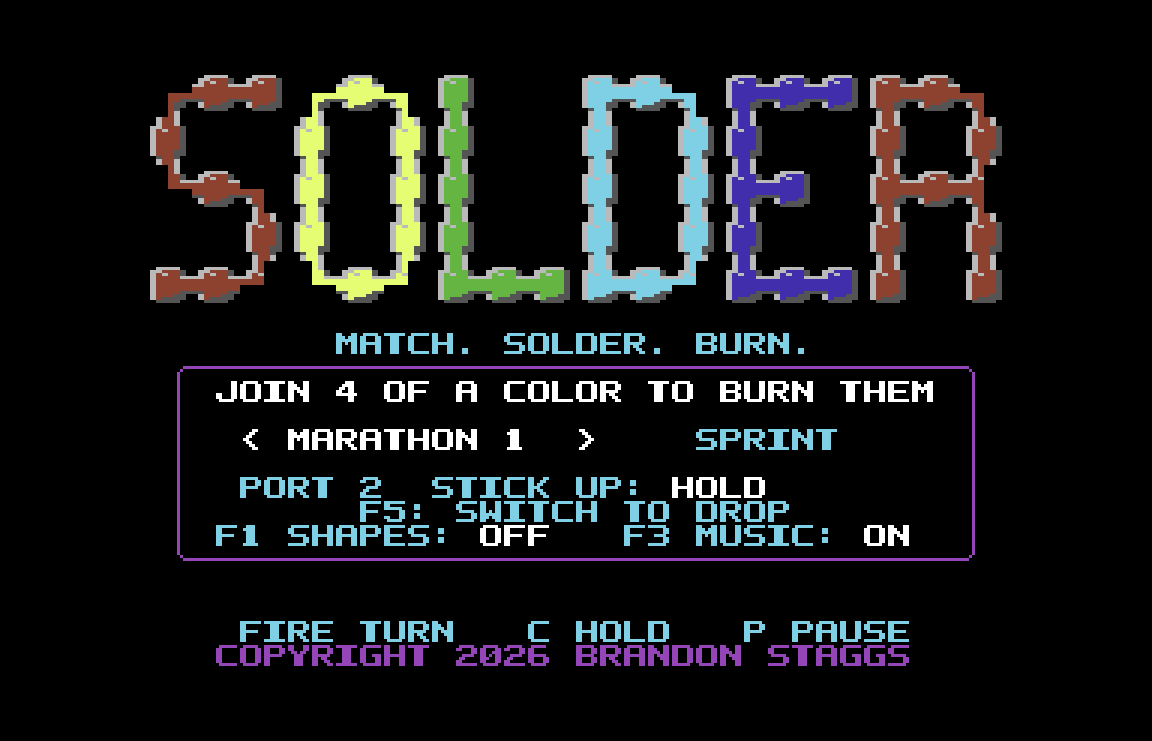
A falling-block puzzle game for the Commodore 64, about blocks that grab each other.
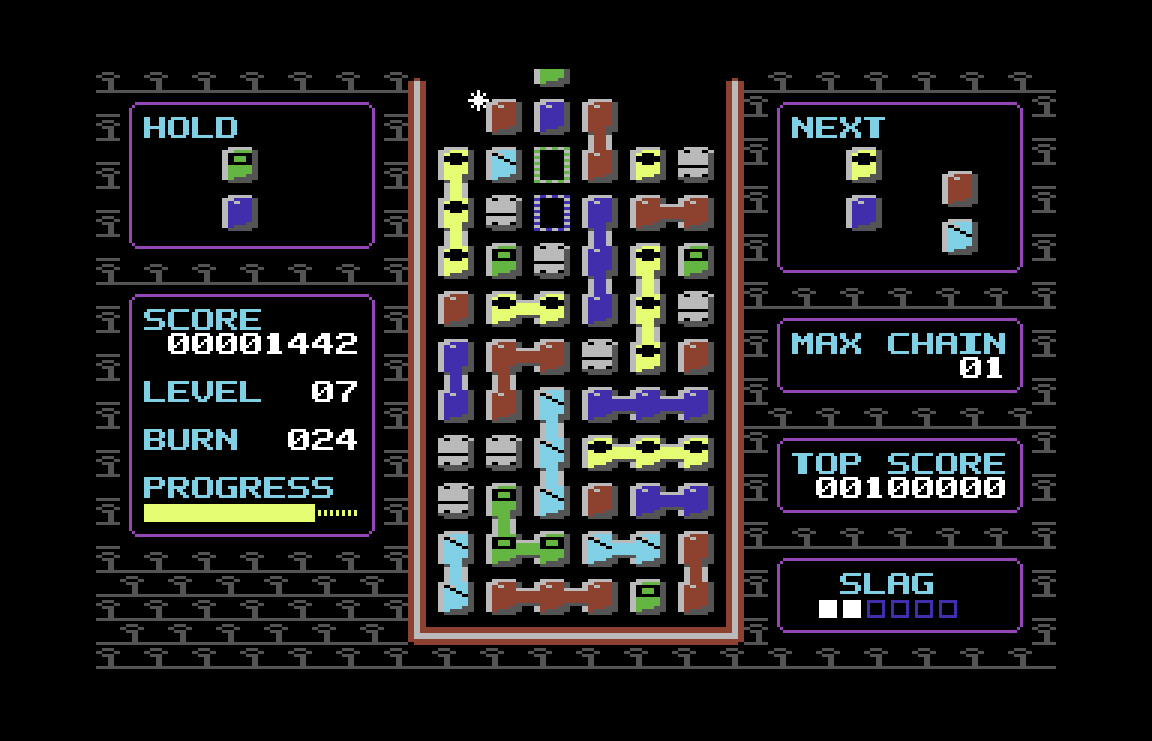
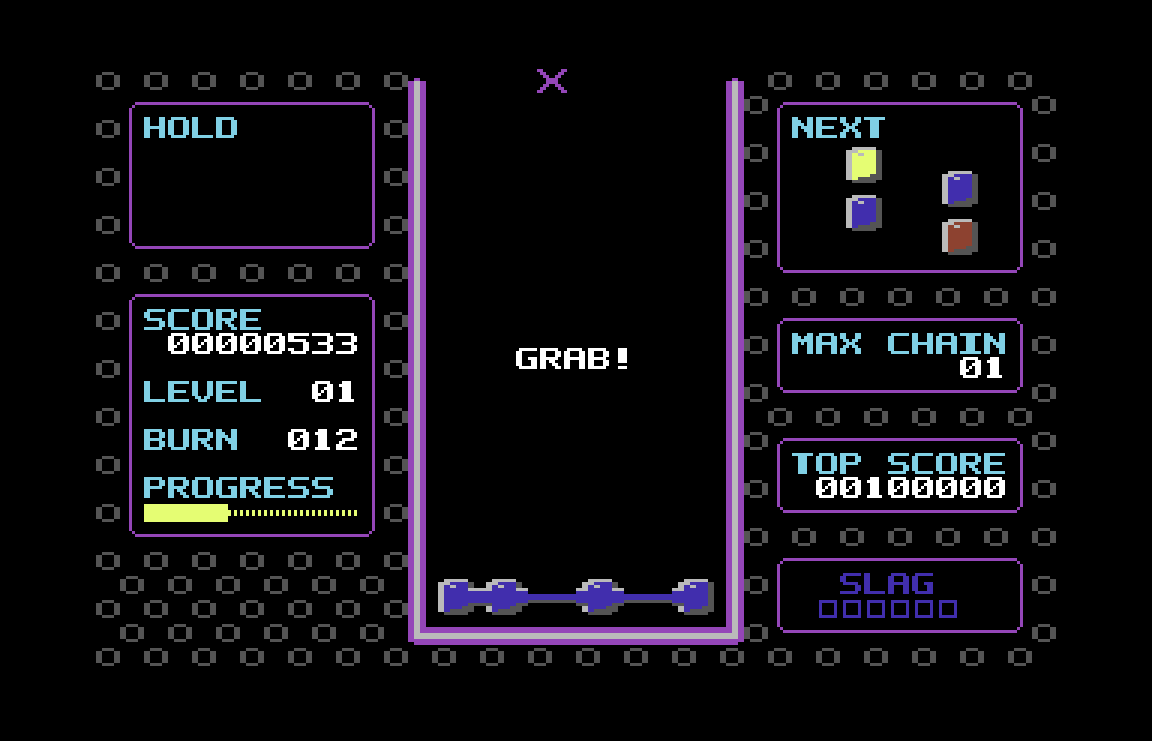
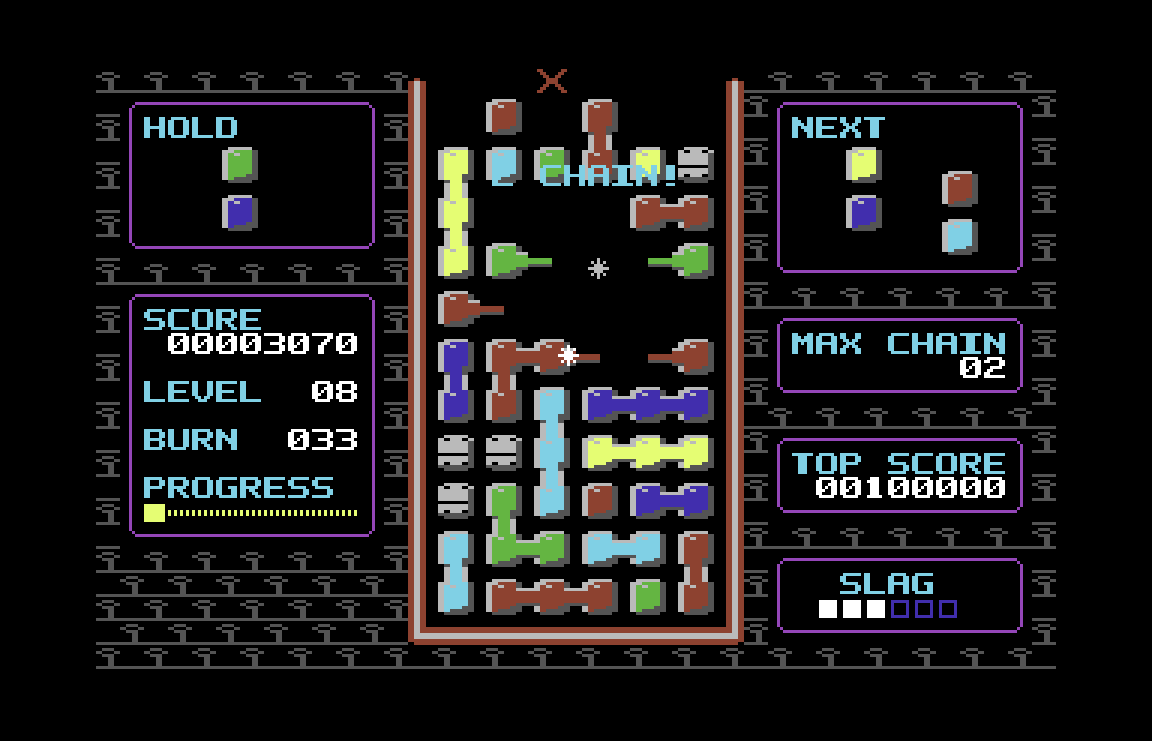
- Pairs of blocks fall into the well, and blocks of the same color solder together: you see their arms reach out and lock, with a click.
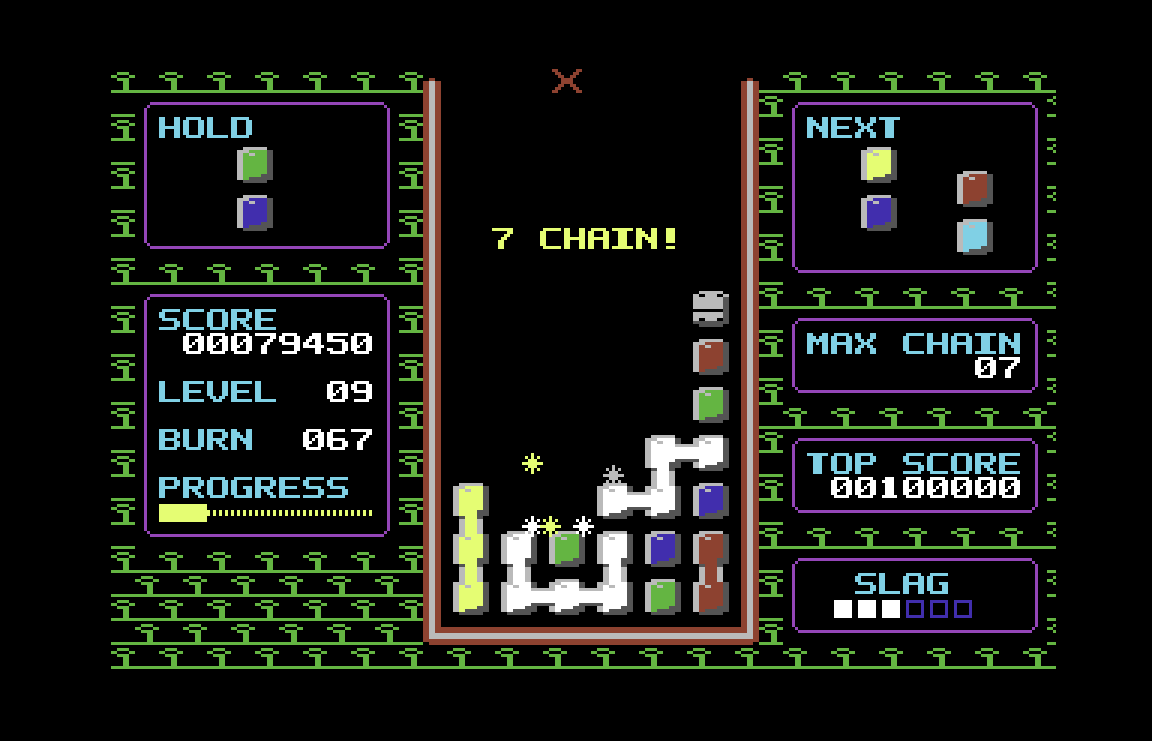
- Join four or more to burn them. After a burn, the blocks beside the gap stretch across it to grab more of their color, so chains reach where they otherwise could not.
- A modern feel: hold, two pairs of preview, a landing guide, kicks, a quick turn and lock delay.
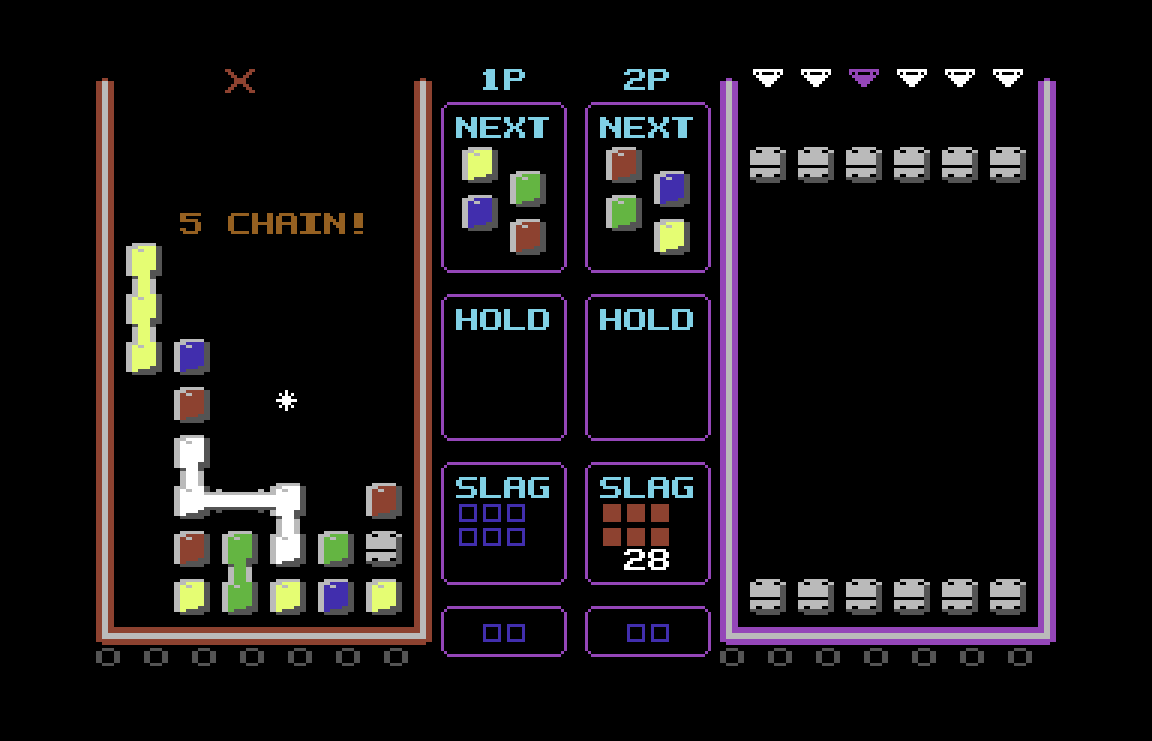
- Marathon, Sprint, and versus against the computer or a friend, with slag to send the other way.
- A Shapes option marks the colors for players who cannot tell them apart.
- Full frame rate on PAL and NTSC machines, a SID song on the title screens and sound effects in play, and high scores and your stick and Shapes settings saved to disk.
What you get
- solder.d64, a disk image with the game, its instructions (INSTRUCTIONS, a program of its own that shows them on the C64) and SOLDER.HI, where your high scores and settings are kept. Without SOLDER.HI the game starts from its default table and writes the file at its first save.
- The manual as a PDF.
- It needs a Commodore 64 with a disk drive, PAL or NTSC, or an emulator. It was made and tested in VICE (x64sc), PAL and NTSC. A joystick in port 2 or the keyboard; two players need two joysticks, in ports 2 and 1.
How to play
Pairs of colored blocks fall into the well. Move and turn each pair, and drop it. Blocks of the same color that touch solder together, and a group of four or more burns away. The blocks above fall into the gap, join new neighbors and can burn in turn: a chain.
After a burn, the blocks beside the gap reach across it, left and right, for blocks of their color: two cells after a single burn, a cell more for each chain step. A grab that completes a group burns it, and the chain goes on.
In Marathon, from level 6, slag drops in: steel plates that never join and burn only beside a burn. In versus, you send slag to the other player.
Controls
- Move: Left, right (joystick); A, D or the cursor keys (keyboard)
- Soft drop: Down (joystick); S or cursor down (keyboard)
- Hard drop: Up, as an option (joystick); W, space or cursor up (keyboard)
- Turn: Fire (joystick); X or the ↑ key (keyboard)
- Turn the other way: Second button, or up as an option (joystick); Z (keyboard)
- Hold: Up (joystick); C (keyboard)
- Pause: P or RUN/STOP (keyboard)
- Quit, while paused: Q (keyboard)
- Stick up acts only when pushed straight up: up-left and up-right just move.
- Stick up holds unless you change it: on the title screen, F5 switches it to hard drop, then to turn the other way (fire still turns), then back to hold. The game remembers your choice (see "The title screen").
- The cursor keys' left and up are SHIFT with right and down, on a C64 and in an emulator alike, and SHIFT turns both: moving left while holding down hard-drops. To soft-drop and move left at once, use the stick, or A, S and D.
- A C64 two-button joystick's second button turns the other way.
- In VICE, with its usual keyboard map, RUN/STOP is the Esc key and the ↑ key is the ^ key.
The title screen
On the title's main page:
- Left and right choose the game: Marathon, starting at level 1, 4, 7, 10 or 13; Sprint; VS CPU, at EASY, NORMAL or HARD; or VS 2 PLAYERS.
- F5 changes what stick up does: hold, hard drop or turn the other way.
- F1 turns Shapes on and off (see "Shapes").
- F3 turns the music on and off. The song plays on the title screens, in the demo and at game over; in play you hear the sound effects alone. With the music off, the effects play on the title screens too.
- Fire, stick up, space or RETURN starts the game, as do the keyboard's turn, hard drop and hold keys.
Left alone, the title shows how to play, then the high scores, then a demo: a recorded game, or a versus round between two CPUs. The stick or a key ends the demo. On the other pages, the keys that start a game start one there too, and the game's other keys (and F1, F3, F5 or a stick move) bring back the main page.
The game remembers what stick up does and whether Shapes is on. When you start a game after changing either, it first saves them to the game disk (SAVING shows for a moment), so they are set the same way the next time Solder loads. The music is on each time Solder loads.
Marathon
Burn 450 blocks to complete it, or play until the well fills. Start at level 1, 4, 7, 10 or 13: a later start plays that level from the first pair, faster, with its colors and its slag, and every burn scores more.
One high score table holds every start; each entry shows the level it started at.
Sprint
Burn 150 blocks as fast as you can. Sprint stays at level 1: four colors, no slag. The screen shows your TIME, the blocks LEFT and a GOAL bar. Your best time is kept.
Versus
Choose VS CPU to play the computer (EASY, NORMAL or HARD), or VS 2 PLAYERS. EASY takes its time, as a new player does: it moves slowly, and when it drops a pair it holds down instead of hard-dropping. NORMAL and HARD are quicker, hard-drop, and judge better. Each player has a well, and both get the same pairs. Big burns and chains send slag into the other well. Versus plays with four colors and keeps no score.
- Both wells speed up together every 20 seconds, up to level 12's speed.
- A round ends when a pair cannot enter a well. Winning 2 rounds wins the match. On the result, fire plays again and down goes to the title, as does waiting 20 seconds.
- In VS 2 PLAYERS, player 1 (left well) uses port 2 and player 2 (right well) uses port 1. The keyboard only pauses (RUN/STOP, or P while the port 1 stick is idle), and Q quits from the pause. The title's stick-up option applies to both players, and the second fire button is player 1's only.
Shapes
Can't tell some of the colors apart? Turn on Shapes with F1 on the title; the game remembers it. Green, yellow and cyan blocks then carry a black mark of their own: a ring on green, a block with its corners cut on yellow and a diagonal on cyan. Red and blue stay plain.
The marks show on the blocks in the well, the falling pair, the next pairs and the hold box, in one player and in versus.
Credits
Published by STRATE GAMES.
Copyright 2026 Brandon Staggs
Download
Click download now to get access to the following files:
Development log
- SOLDER is out on the Commodore 641 day ago
Leave a comment
Log in with itch.io to leave a comment.